TP-Link Deco BE85 Review: A Wi-Fi 7 Mesh System at $800 for 2 Units
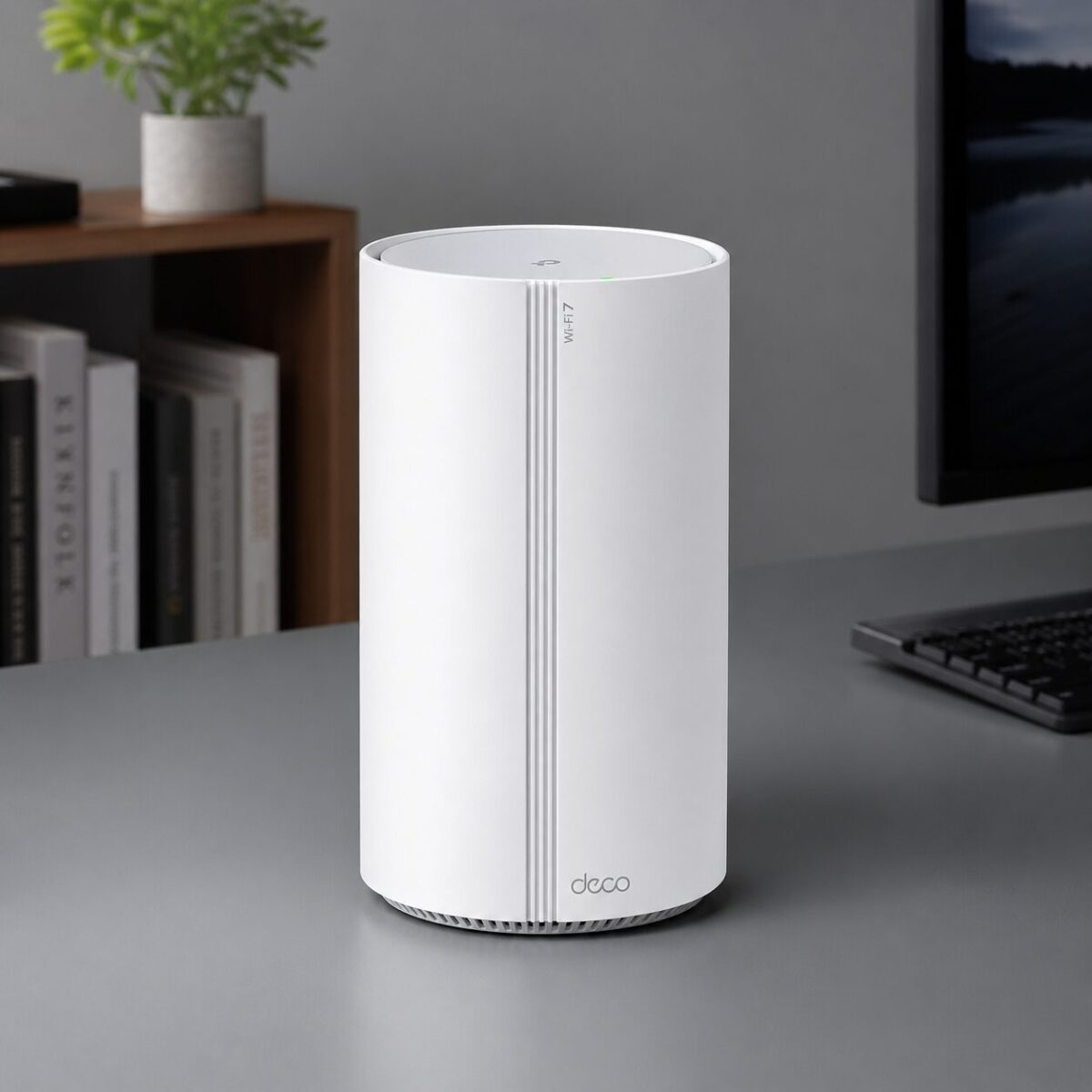
Key Features
Wi-Fi 7 Tri-Band
BE19000 across 6 GHz, 5 GHz, and 2.4 GHz with 4096-QAM and 320 MHz channels for the new 6 GHz devices.
10 Gig Wired Backhaul
Two 10 Gbps ports per unit. You can run a wired backhaul between nodes or plug a 10G NAS straight into the router.
Whole-Home Mesh
A 2-pack covers about 7,800 sq ft. The third unit handles workshops, garages, or two-floor brick homes that need real range.
HomeShield Security
Built-in network-level filtering, parental controls, and IoT scanning. Works without a paid subscription for the basic tier.
Pros & Cons
What We Liked
- Genuine Wi-Fi 7 6 GHz speeds, not marketing fluff
- Two 10 Gbps ports per node — rare at this price
- Setup takes 10 to 15 minutes total
- HomeShield basic tier doesn’t require a subscription
Worth Knowing
- Towers are tall — they need real shelf clearance
- Most current devices can’t saturate Wi-Fi 7 yet
- Advanced HomeShield features sit behind a paid plan
Full Specifications
| Wi-Fi Standard | Wi-Fi 7 (802.11be), tri-band BE19000 |
| Bands | 6 GHz, 5 GHz, 2.4 GHz |
| Channel Width | Up to 320 MHz on 6 GHz |
| Wired Ports | 2 x 10 Gbps + 2 x 2.5 Gbps per unit |
| USB | USB 3.0 Type-A |
| Coverage (2-pack) | Up to 7,800 sq ft |
| Devices Supported | 200+ simultaneous connections |
| Smart Home | Works with Alexa and Google Home |
Frequently Asked Questions
Do I need Wi-Fi 7 devices to benefit?
Can I run a wired backhaul between units?
Does it replace my ISP router?
How does it compare to the Deco BE63?
Final Verdict
The Deco BE85 is the easiest Wi-Fi 7 mesh to recommend if you want to upgrade once and forget about your network for the next five years. The 10 Gbps wired ports alone make it stand out from cheaper Wi-Fi 7 systems that cap out at 2.5 Gbps.
If you’re on gigabit fiber or just want headroom for the next wave of devices, this is the system to buy.
We may earn a commission if you buy through our links.
You might also like:
- Best Gadgets for Dog Owners in 2026: 5 That Earn Their Keep
- 5 Cooling Gadgets That Actually Work for Summer 2026
- Amazfit Up Open-Ear Earbuds Review: Workout Audio That Leaves Your Ears Open