How to Choose a Smart Doorbell (2026 Buyer’s Guide)
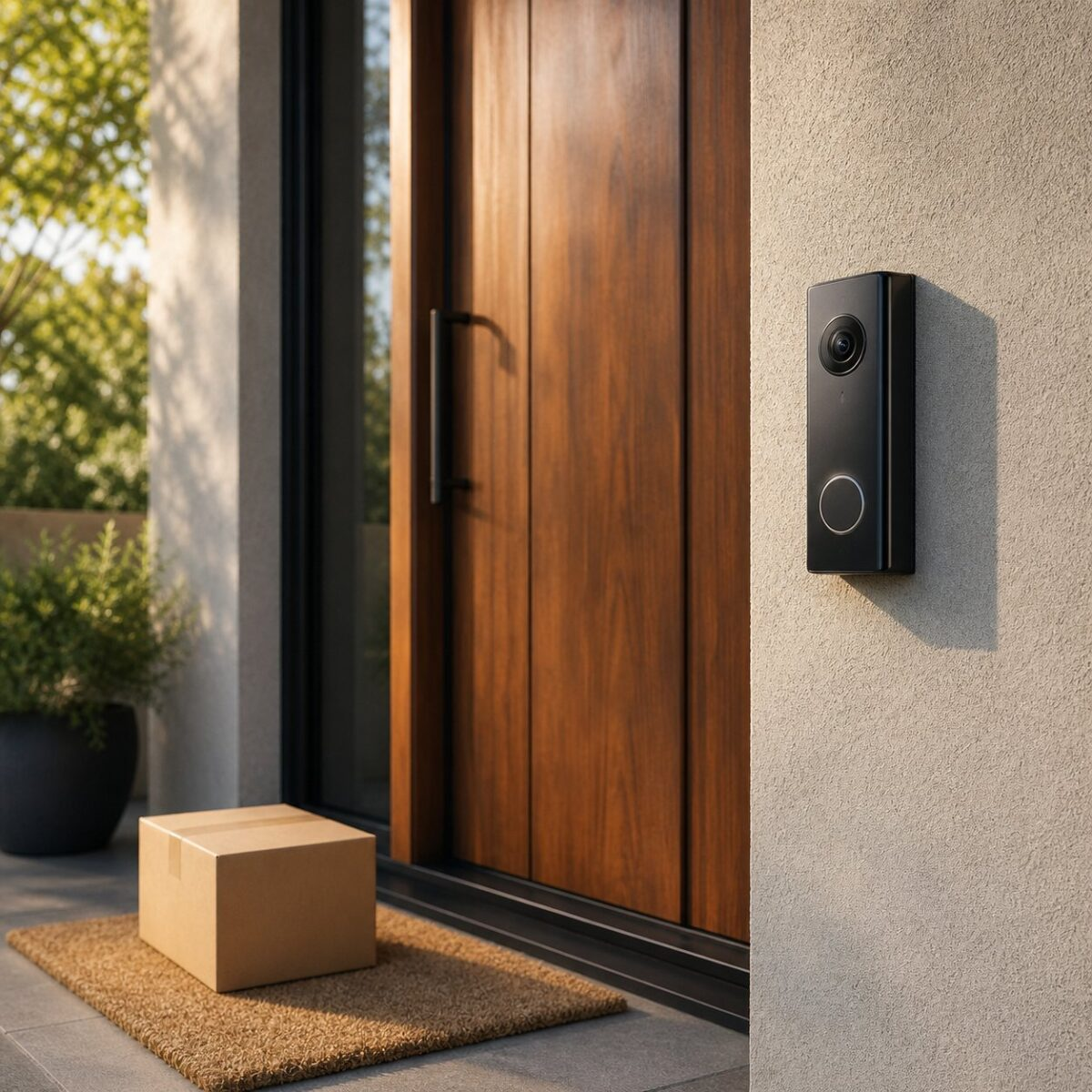
A smart doorbell sounds simple. Camera, button, app. Easy. But the price range goes from about $40 to over $300, and the cheap one sometimes works better than the expensive one for what you actually need. Picking wrong means either paying for features you’ll never touch, or getting frustrated when the live feed lags by 8 seconds and the package thief is already gone.
This is the short version of what to look for so you dont end up returning the thing.
Wired vs Battery, Pick This First
Theres only two real categories. Wired doorbells need an existing doorbell circuit (most older homes have one, plenty of newer rentals dont). Battery doorbells stick on with screws or adhesive and run on a removable battery pack you charge every 3 to 6 months.
Wired wins on reliability, the device is always powered, recording is smoother, and you never lose footage to a dead battery. Battery wins on flexibility, you can put it anywhere, and rental owners cant complain about wiring. Most people without existing doorbell wires should just get battery and stop overthinking it. Our Ring Battery Doorbell review covers what to expect from the most popular battery option.
Resolution: 1080p Is Plenty
Marketing wants you to believe you need 2K or 4K. You don’t. 1080p is sharp enough to see a face from your front step, read a license plate from 15 feet, or recognize a delivery driver. The jump to 2K only matters if you have a really long approach (think a long driveway leading to the door), and even then, the bigger problem is usually motion zone setup, not pixels.
Be more careful about field of view. Look for at least 150 degrees, ideally 180. A narrow lens at 110 degrees is going to miss a lot of what happens off to the side.
Storage: Where Does the Footage Live?
This one trips people up the most because companies hide it. Three patterns to know:
- Cloud only with subscription. Ring, Google Nest, most major brands. You pay $3 to $10 a month per device or per family plan to keep video history. No sub, no recording. The live feed still works.
- Local storage on a microSD card or hub. eufy, Reolink, some TP-Link models. You buy the card once, no monthly fee. The data sits in your house, which some people prefer for privacy reasons.
- Hybrid. Some brands let you do either, store locally for free, or pay for cloud backup. This is the move if you want flexibility.
Calculate the 5-year cost. A $50 doorbell with a $40/year subscription costs you $250 over 5 years. A $150 doorbell with no fees stays at $150. Math out which makes sense for your usage.
Smart Home Compatibility
If you’ve already got Alexa, Google Home, or HomeKit going, get a doorbell that plays nice with that ecosystem. Mismatching means jumping between apps to do simple things, which gets old fast. Our beginner smart home guide walks through which ecosystems work with what.
Quick cheat sheet:
- Alexa works with most major brands. Ring, eufy, Wyze, Blink. Easiest path.
- Google Home is best with Google Nest doorbells. Less broad support otherwise.
- Apple HomeKit is the pickiest. Aqara, Logitech Circle View, and a few others officially work. Ring and Nest do not.
Power & Wi-Fi Quality
Two things kill smart doorbell experiences more than anything else: weak Wi-Fi at the front door, and a slow processor inside the device.
Stand at your front door with your phone, run a speed test. If you’re getting under 15 Mbps down, the doorbell will lag. Adding a mesh node near the entryway fixes most of it. The TP-Link Deco XE75 review goes through how mesh actually solves dead zones.
For battery doorbells, weak Wi-Fi also kills battery life because the device works harder to keep the connection. Fix the Wi-Fi first, then worry about which doorbell to buy.
Privacy and Data, Read the Fine Print
Some brands have shared video with law enforcement on request without telling the owner. Some encrypt footage end-to-end so even the company cant see it. The big differences:
- End-to-end encrypted: eufy (mostly), Apple HomeKit Secure Video, some Reolink. Strongest privacy.
- Encrypted in transit: Ring, Google Nest. Standard but the company can still see footage if compelled.
- Local-only with no cloud: Some TP-Link Tapo models, Reolink with no NVR. Most private if you trust your network.
If this matters to you, lean toward eufy or HomeKit-compatible options. If you don’t care, Ring and Nest are still solid picks.
Real-World Picks by Use Case
Boiling all of the above down:
- Renters or no doorbell wiring: Ring Battery Doorbell. Easy install, decent app, pay subscription if you want cloud history.
- Best privacy and no monthly fee: eufy Security Video Doorbell. Local storage, end-to-end encryption.
- Apple household: Aqara G4 or Logitech Circle View. Both work with HomeKit Secure Video.
- Cheapest option that’s not garbage: TP-Link Tapo D230. Around $90, local storage, decent video quality.
- Premium with Google Home: Google Nest Doorbell (wired or battery). Best face recognition in the category.
Common Mistakes to Skip
A few things people buy and regret:
- Buying based on resolution alone. 4K marketing sells, but most front porch lighting cant feed enough light for 4K to look better than 1080p anyway.
- Skipping the subscription cost in the budget. A “$50 doorbell” with required cloud storage is actually a $250+ purchase over 5 years.
- Ignoring power requirements. Buying a wired doorbell when the existing transformer puts out 8V instead of the 16-24V the doorbell needs. Check the transformer first.
- Mounting too high. Most doorbells image best at chest height (around 48 to 52 inches). Higher and you’re getting top-of-head shots all day.
The Real Bottom Line
Most people buy way more doorbell than they need. If you want a basic camera at your door so you can see who’s there and check on packages, a $90 to $150 model with local storage will do everything you actually need. The only people who need to spend more are folks with weird mounting situations, long driveways, or specific smart home ecosystem requirements.
Ignore the 4K hype, calculate the subscription cost over 5 years, get a battery model if you don’t have wiring, and prioritize a wide field of view over flashy features. Thats the whole guide.