Roku Alternatives in 2026: 5 Streaming Devices Worth Switching To
Written By
Cool Finds Daily
Cool Finds Daily Editorial Team
Editorially Reviewed
Cool Finds Daily Review Process
✓ Researched & fact-checked
Updated
October 16, 2026
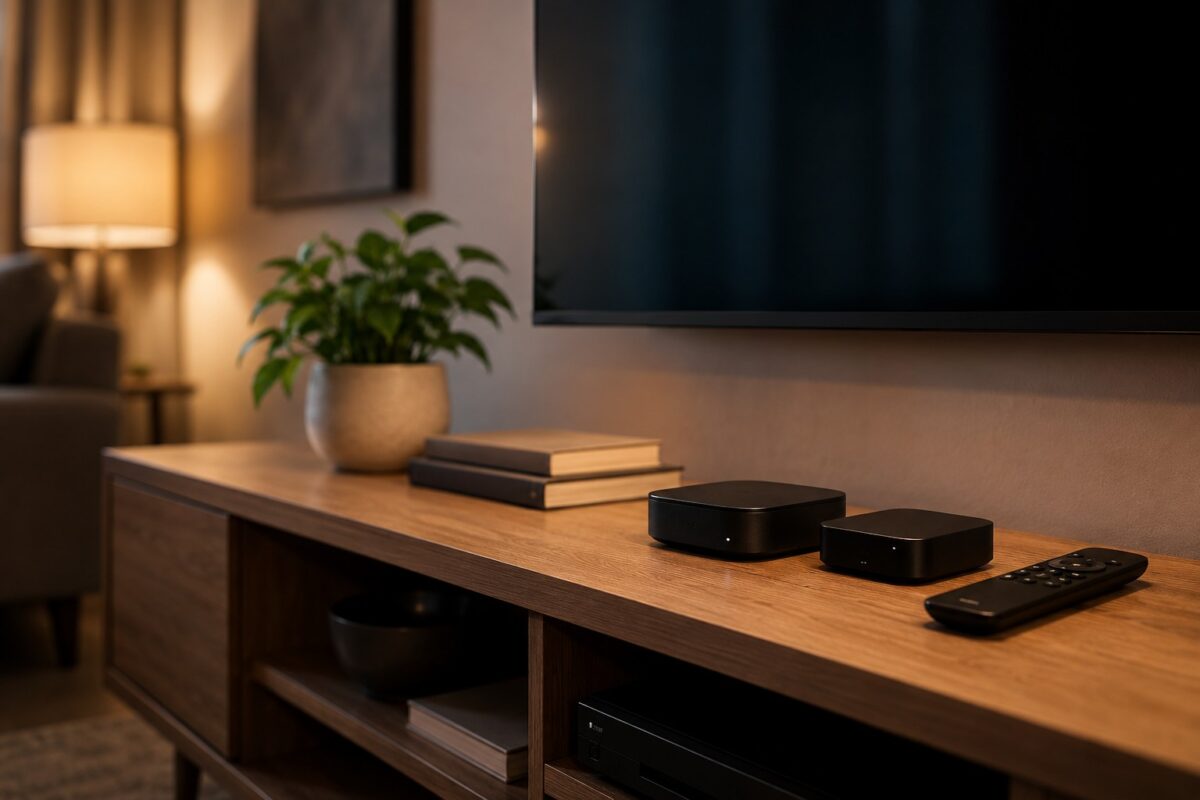
Roku makes some of the most popular streaming players around, and for plenty of people they’re fine. But the ad-stuffed home screen wears thin, older boxes stutter, and once you’ve used something faster it gets hard to go back. If you’re shopping for a replacement, here are five streaming devices that either cost less or simply do more, sorted by who they’re actually best for. Still on the fence? Our Roku Streaming Stick Plus review covers their better model.
| Device | Price | Best for |
|---|---|---|
| Fire TV Stick 4K Max | ~$59 | Snappier streaming on a budget |
| Google TV Streamer 4K | ~$80 | Smart home hub + streaming |
| Apple TV 4K | ~$129 | Apple households, zero ads |
| Nvidia Shield TV Pro | ~$199 | Power users and gamers |
| Xiaomi TV Stick 4K | ~$75 | Cheapest way off Roku |
Quick Jump
1
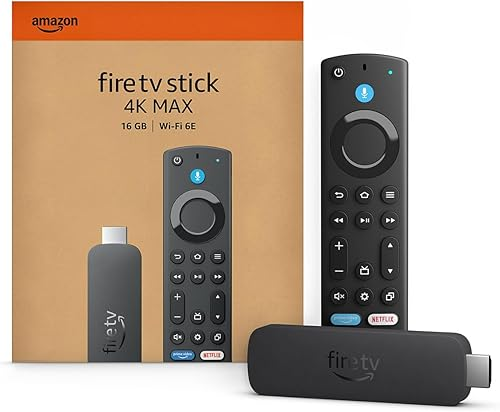
Fire TV Stick 4K Max
Best overall, the value pick that just works
4K HDR
Output
Wi-Fi 6E
Connection
16 GB
Storage
Alexa
Voice
Roku’s biggest weak spot is that cluttered, ad-heavy home screen. The Fire Stick 4K Max isn’t exactly minimalist either, but it’s quicker, and Wi-Fi 6E support means way fewer buffering hiccups on a busy network. For around sixty bucks it’s the easiest upgrade if you just want snappier streaming. The Alexa remote earns its keep if you’ve already got Echo gear around the house.
$83.29
Check Price on Amazon2
Google TV Streamer 4K
Best for smart homes, doubles as a hub
4K HDR
Output
32 GB
Storage
Matter
Smart hub
Google
Assistant
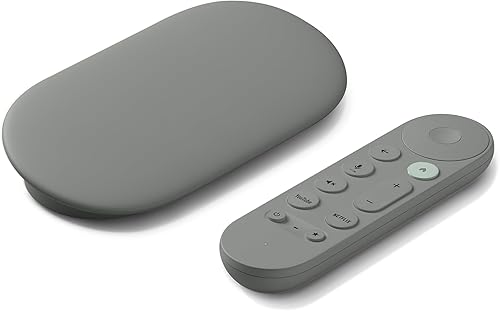
This is the box that replaced the old Chromecast, and it’s a real step up. The Google TV interface pulls all your services into one recommendations feed that’s genuinely useful, and it works as a Matter smart home hub so it can run your lights and locks. At eighty bucks it’s a bit more than a basic stick, but you get a small box with 32GB instead of a cramped 8GB dongle that fills up after a few app installs.
3
Apple TV 4K (3rd Gen)
Best for Apple households
4K HDR
Output
A15
Chip
Siri
Remote
No ads
Home screen
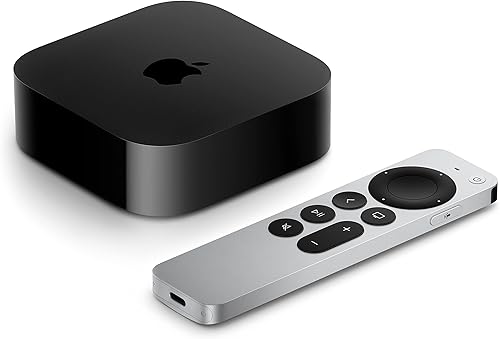
If your phone, laptop, and earbuds are all Apple, this is the obvious pick. It’s the fastest device on this list by a wide margin thanks to the A15 chip, the home screen has zero ads, and AirPlay from an iPhone just works. The catch is price. At about $129 it runs three or four times what a streaming stick costs, so it only makes sense if you’re already deep in the Apple world, or you really cant stand ads.
4
Nvidia Shield TV Pro
Best for power users and gamers
4K AI
Upscaling
3 GB
RAM
Plex
Media server
GeForce
Game stream
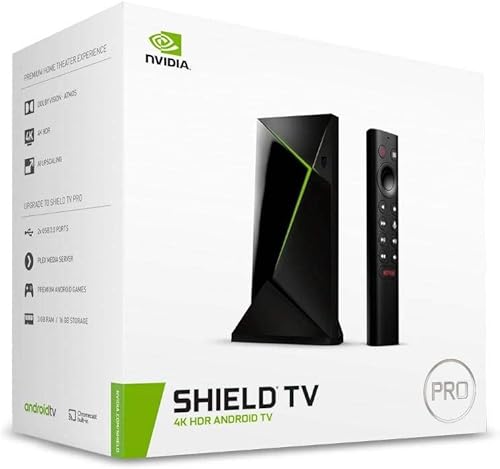
The Shield is the enthusiast choice, and it’s held that crown for years. Its AI upscaling makes old 1080p content look noticeably sharper on a 4K TV, it can run a Plex media server, and gamers can stream from GeForce Now or a gaming PC in the same house. At $199 it’s the most expensive option here and honestly overkill if you just watch Netflix. Power users put up with the price for a reason though.
$87.94
Check Price on Amazon5
Xiaomi TV Stick 4K (2nd Gen)
Best on a tight budget
4K HDR
Output
Google TV
Platform
Dolby
Audio
~$75
Price
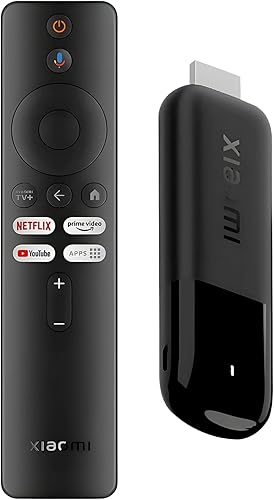
Want off Roku without spending much? This is the cheapest way to do it. You get the full Google TV experience, 4K HDR, and Dolby support in a stick that runs about $75. It’s a newer release so the review count is still small, and the remote feels a little plasticky, but the streaming itself is smooth. Good grab for a second TV or a bedroom where you dont need the bells and whistles.
$99.99
Check Price on AmazonThe 40-Second Rundown
Frequently Asked Questions
Will my Roku remote or account transfer over?
No. Each platform has its own account and remote. You’ll re-download your streaming apps and sign in again, but your Netflix, Disney+, and the rest keep your watch history since that lives with the app, not the device.
Do any of these get rid of ads completely?
Apple TV 4K has the cleanest, ad-free home screen. Fire TV and Google TV still show sponsored rows, though they’re less in your face than Roku’s banner ads. The Shield sits in the middle.
Is a $200 Shield really worth it over a $60 stick?
Only if you’ll use what it does, like Plex hosting, game streaming, or AI upscaling a big library of older content. For plain Netflix and Hulu watching, the Fire Stick 4K Max does the job for a third of the price.
Which one is easiest to set up?
They’re all roughly plug in, connect to Wi-Fi, sign in. The Google TV Streamer and Apple TV are the smoothest if you already use Google or Apple on your phone, since a lot of the setup auto-fills.