






How to Choose a Mechanical Keyboard (2026 Buyer’s Guide)
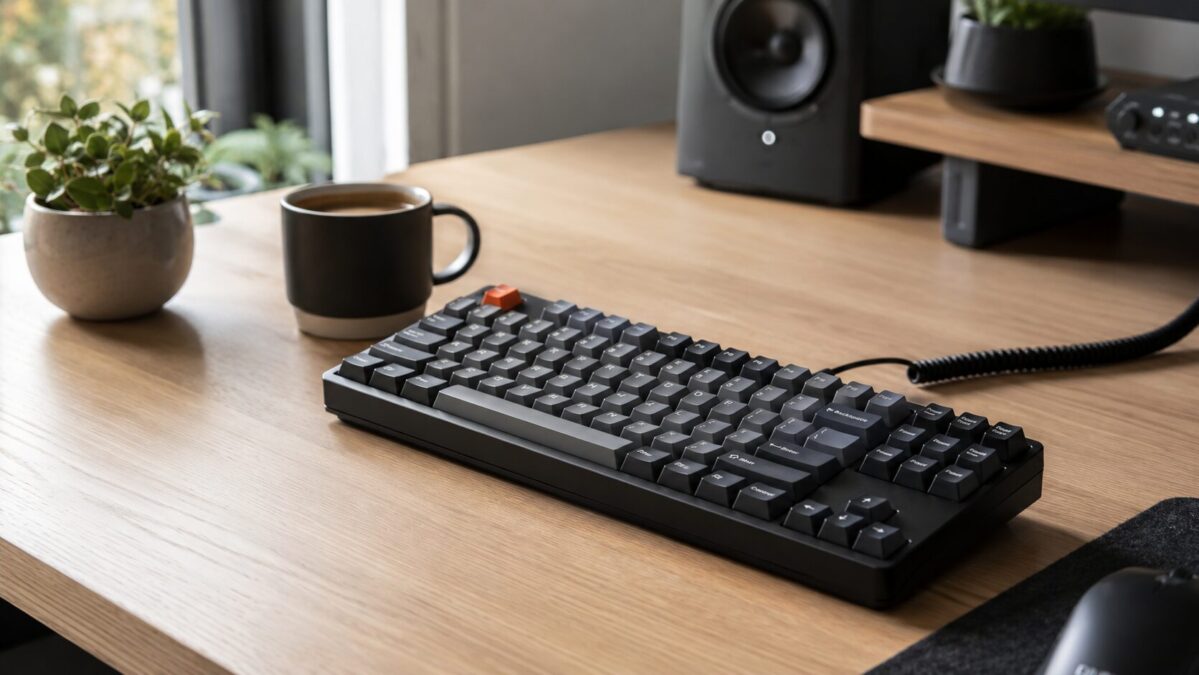
Buying your first mechanical keyboard is weirdly stressful. You start reading about switches and suddenly there are forty options, people are arguing about lubed springs, and a “budget” board somehow costs $160. Take a breath. Ninety percent of the decision comes down to four things, and once you get those right the rest is just personal taste.
Here’s how to pick one without falling down the rabbit hole, whether you’re typing all day for work or fragging at 2am.
Start with the switches
Switches are the little mechanisms under each key, and they’re the single biggest thing that changes how a board feels. There are three families. Linear switches (often red) move straight down with no bump, smooth and quiet-ish, popular with gamers. Tactile switches (often brown) give a little bump partway down so you can feel the keypress, which a lot of typists prefer. Clicky switches (often blue) add a loud click on top of that bump, satisfying as anything but your coworkers will plot against you.
If you genuinely cant decide, get tactile. It’s the safe middle ground for most people who do a mix of typing and gaming. And if you’re in an office or share a room, steer clear of clicky unless you want to be that person.
Pick a size you’ll actually use
Keyboards come in a bunch of sizes, and smaller isnt always better, it depends what you do. The common ones:
- Full size, every key including the number pad. Best if you crunch numbers all day.
- TKL (tenkeyless), drops the number pad to free up desk and mouse room. The default sweet spot for a lot of people.
- 75% and 65%, tighter still, keeping arrow keys but squishing everything together. Great for small desks.
- 60%, no arrow keys or function row at all. Clean and tiny, but you’ll be holding a function layer for half your shortcuts.
If you’re not sure, a TKL or 75% gives you the desk space win without making you relearn where the arrow keys went. Tight desks are also where a smaller board pays off, same logic we used in our desk setup upgrades guide.
Hot-swap is the feature worth paying for
A hot-swappable board lets you pull switches out and pop new ones in by hand, no soldering. Why care? Because you might think you want reds, type on them for a week, and realize you actually hate them. With a hot-swap board you swap in a different switch for a few bucks instead of buying a whole new keyboard. For a first board especially, this is the feature I’d protect in the budget. It turns one purchase into something you can tweak for years.
Keycaps, wireless, and the small stuff
Keycaps are the plastic caps you actually touch. PBT plastic resists the greasy shine that ABS develops over time, so if the listing says PBT, that’s a small mark in its favor. For connection, decide if you need wireless. Bluetooth and 2.4GHz dongles are common now and battery life is usually fine, but a wired board never drops out mid-game and costs less. If your keyboard lives on a desk and never moves, wired is honestly fine.
Two more things that quietly make a board feel nicer: some kind of internal foam or gasket mount, which softens the sound and the typing feel, and programmable software so you can remap keys. You dont need either, but they’re the difference between a board that feels cheap and one that feels worth the money.
How much to spend
Under $50 gets you a basic mechanical board that’s a real upgrade over a membrane keyboard, though it’ll likely be wired with no hot-swap. The $60 to $110 range is the sweet spot, that’s where you find hot-swap, decent stabilizers, PBT caps, and sometimes wireless all on one board. Above $120 you’re paying for premium materials, gasket mounts, and that “thock” sound enthusiasts chase. Most people are happiest somewhere in the middle, and you can always tweak from there. If you’re building out a whole setup, our home office upgrades roundup and tech gadgets picks pair well with a new board.
Quick checklist before you buy
- Switch type, tactile if unsure, never clicky in shared spaces
- Size that fits your desk and workflow, TKL or 75% for most
- Hot-swap sockets so you can change your mind later
- PBT keycaps if you can get them
- Wired vs wireless, be honest about whether it ever moves