






How to Choose a Smart Plug (2026 Buyer’s Guide)
A smart plug is the cheapest way into a smart home. Ten to twenty bucks and suddenly your dumb lamp turns off on a schedule. The annoying part is that the spec sheets are confusing in ways that dont show up until after you’ve bought one, like finding out your new plug blocks the second outlet or can’t handle your space heater. Here’s what actually matters.
We keep a running list of top picks in our best smart plugs under $20 roundup, so this guide sticks to how to pick rather than what to pick.
Start With Your Ecosystem, Not the Plug
Decide where you’ll control things first: Alexa, Google Home, or Apple Home. Almost every plug works with Alexa and Google. Apple is the picky one. HomeKit support usually adds a few dollars to the price, and plenty of budget plugs skip it entirely. Buying the plug first and checking the app second is the number one way people end up with a drawer of orphaned smart gear.
If you’re starting from zero, our smart home for beginners guide walks through picking that ecosystem before you spend anything.
Matter: Worth It If You Mix Platforms
Matter is the standard that lets one plug talk to Alexa, Google and Apple at the same time. In 2026 it finally works well enough to recommend without caveats. If your house mixes platforms, or you think you might switch someday, pay the small premium for a Matter plug and stop thinking about compatibility forever.
Living happily inside one ecosystem already? A plain 2.4GHz wifi plug is cheaper and does the identical job. No shame in that.
The Amp Rating Is the Spec People Skip
Most smart plugs are rated 10 or 15 amps. For lamps, fans, coffee makers and holiday lights, either is fine. The trouble starts with space heaters, window ACs, and anything else that pulls serious current. Those need a 15 amp plug rated for 1800W, full stop. Run a 1500W heater through a 10 amp plug and best case it trips, worst case it cooks. If theres any chance you’ll automate a heater, buy the 15 amp version. The price difference is usually a dollar or two.
Energy Monitoring Is the Sleeper Feature
Some plugs track how many watts and kilowatt hours whatever’s plugged into them actually uses. It sounds like a gimmick until you point one at your entertainment center and find out it burns money all night doing nothing. We found a cable box pulling 28W around the clock that way, about $30 a year for a box nobody used. Monitoring adds maybe $3 to the price. Get it on at least one plug, then move that plug around the house auditing things.
Wifi Band and the Hub Question
Nearly every wifi smart plug is 2.4GHz only. Modern routers handle this fine, but if you renamed your bands or run a 5GHz-only network, setup will fail in confusing ways. Check your router settings before blaming the plug.
Wifi plugs need no hub. Thread and Zigbee plugs respond faster and don’t crowd your router, but they need a border router or hub somewhere in the house, maybe you already own one without knowing (newer Echo and Apple TV models count). If none of that rings a bell, stick with wifi.
Size Matters More Than You’d Think
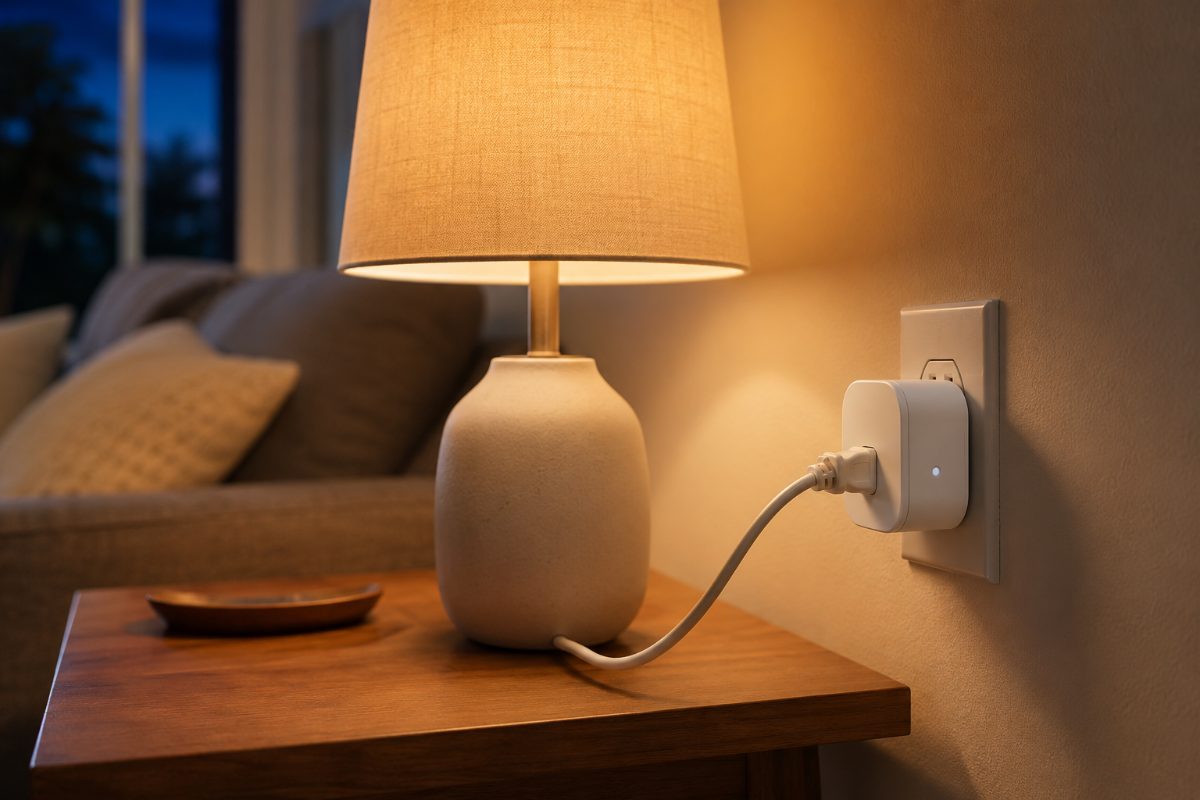
A fat plug that blocks the second outlet is the most common complaint in reviews, and its completely avoidable. Look for the slim rectangular shape and check the listed dimensions against your outlet. Two stacked smart plugs on one duplex outlet should be possible with any decent 2026 design. The old hockey puck shapes deserve extinction.
The 60 Second Checklist
- Pick your ecosystem first, then confirm the plug supports it (Apple users, double check)
- Mixed or undecided household? Get Matter
- 15 amp / 1800W rating if a heater or AC might ever touch it
- At least one plug with energy monitoring
- Slim shape that won’t block the second outlet
- 2.4GHz network available for setup