Smart Home on a Budget: How to Build a Connected Home Without Overspending
Why Smart Home Tech Is Worth It in 2026
Smart home devices used to feel like a luxury. Now they’re practical. Prices have dropped, compatibility has improved, and honestly, once you set one up, you’ll wonder how you lived without it.
The biggest myth? You need to spend thousands. You don’t. Start with one device, add another when it makes sense, and build from there. This approach works better anyway, you’ll actually use what you buy instead of drowning in tech you don’t understand.
We’ve covered dozens of smart home gadgets to figure out which ones actually improve your daily life. The ones that do? They’re affordable, they integrate easily, and they solve real problems.
Starting With the Basics
Every smart home needs a foundation. Smart speakers, smart plugs, and smart bulbs are your entry points. They’re cheap, they work with most ecosystems, and they set you up for expansion later.
Smart Speakers
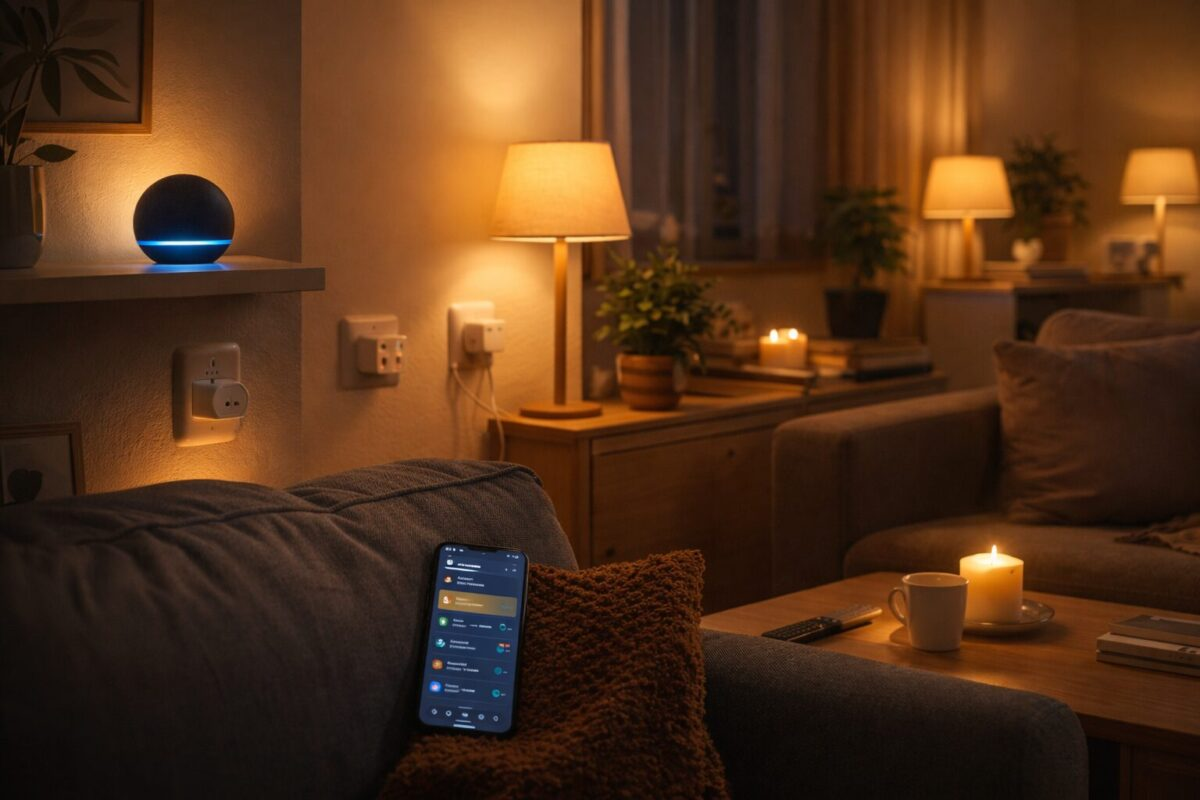
A smart speaker is your control center. Ask it to adjust lights, check the weather, play music, or control your thermostat. Amazon Alexa, Google Assistant, and Apple Siri are the three main options.
Cost: $30–$80 for a solid model. The Amazon Echo Dot or Google Nest Mini will do everything most people need. You don’t need the fancy models.
Smart Plugs
This is where the magic starts. Plug a smart plug into your outlet, plug any device into it, and now you can control that device remotely. Your coffee maker turns on automatically. Your fan shuts off when you leave. Your Christmas lights come on at sunset.
Cost: $10–$25 per plug. Buy two or three to start. They’re one of the fastest ROI devices in smart home tech.
Smart Bulbs
Replace your regular bulbs with smart bulbs and you can dim lights, change colors, or set schedules, all from your phone. Some people go overboard with color-changing bulbs in every room. Save those for accent lighting. Use warm white bulbs in bedrooms and living spaces where you actually sit.
Cost: $8–$20 per bulb. Start with 3–4 in high-traffic rooms.
Room-by-Room Automation
Kitchen
Smart speakers get the most use here. Set timers, check recipes, control lights, or start your coffee maker. A smart refrigerator thermometer keeps tabs on temperature so you’re not guessing if your fridge is running warm.
Add a smart plug to your coffee maker or toaster for scheduling. That’s it. Your kitchen doesn’t need much more.
Living Room
This is where entertainment meets automation. Smart TV, soundbar, and lighting work together. Use a smart plug on your entertainment system so it powers down completely when you’re done watching instead of sitting in standby.
Smart bulbs let you set the mood with color temperature. Bright white for daytime, warm amber for evening. No fumbling with dimmers.
Bedroom
Keep it simple. Smart lights that gradually brighten in the morning help you wake up naturally. Smart bulbs on a nightstand lamp let you turn off the lights without getting out of bed.
Skip the smart mattress and smart pillows. You’re paying for data collection, not actual value. A regular mattress with a simple sleep tracker works just fine.
Entrance
A smart lock eliminates key fumbling and lets you let people in remotely. A smart doorbell with a camera lets you see who’s at the door before opening it.
These two devices add real security and convenience. They’re worth the investment.
Budget Tiers: What to Buy at Each Price Point
$50 Budget
You can get started with surprisingly little.
- Echo Dot or Google Nest Mini ($30)
- Two smart plugs ($20)
This covers basic voice control and device automation. You can run your lights, thermostat, and entertainment system from here.
$100 Budget
Add meaningful automation to multiple rooms.
- Smart speaker ($50)
- Four smart plugs ($30)
- Two smart bulbs ($20)
Now you have voice control, automated devices, and smart lighting in key areas. This is the sweet spot for most people. You’ve covered 80% of what a smart home can do.
$200 Budget
Expand to lighting throughout your home and add a dedicated control device.
- Smart speaker with display ($80–$100)
- Six smart bulbs ($60)
- Smart plug 4-pack ($20)
- Smart plug with energy monitoring ($20)
You now have smart lighting in most rooms and better visibility into what’s consuming power. The display speaker becomes a kitchen hub or bedside controller.
$500 Budget
Build a fully integrated smart home ecosystem.
- Smart speaker with display ($100)
- Smart lighting system, bulbs and color-changing accents ($120)
- Smart thermostat ($150)
- Smart lock ($80)
- Miscellaneous plugs and sensors ($50)
At this level, you’re controlling climate, security, lighting, and entertainment from a single system. Everything talks to everything else. This is automation that actually changes how you live.
Common Mistakes to Avoid
Buying Incompatible Ecosystems
This is the biggest one. Amazon Alexa, Google Home, and Apple Siri don’t play nicely together. Pick one ecosystem and stick with it. Most people choose Alexa because it’s the cheapest and has the widest device support. Google Home is second. Apple is third.
Once you commit, it’s hard to switch. Don’t mix ecosystems.
Overcomplicating Everything
You don’t need automation for things you do manually better. Your shower doesn’t need to be smart. Your bed doesn’t need sensors. Your doorknob doesn’t need an AI.
Automate things that happen on a schedule (lights, thermostats), things you repeat (coffee maker, TV off), or things that need security (locks, doorbell). Skip the rest.
Buying Features You Won’t Use
Color-changing bulbs are fun once. Then you stop changing the colors. Voice control for your oven sounds cool until you realize you’re still pressing buttons.
Focus on reliability and usefulness, not novelty.
Ignoring Privacy
These devices have microphones and cameras. Check privacy settings before setup. Disable cloud storage if you don’t need it. Use strong passwords.
It’s not paranoia. It’s just basic security.
You Might Also Like
- TP-Link Deco X55 Review: Whole-Home WiFi 6 Mesh for Under $150
- VOPLLS Mini Projector Review: WiFi 6, Bluetooth, and 1080p for Under $110
- GoveeLife WiFi Refrigerator Thermometer Review: Smart Temp Monitoring for $46
- SwitchBot Lock Pro Review: A Smart Lock That Works With What You Already Have
- Smart Home Gadgets That Are Worth It: Honest Reviews and Setup Advice
- Every Type of Smart Home Device Explained: Costs, Setup, and What Actually Works
You might also like:
- Best Grilling Gadgets Under $50 in 2026: 5 Backyard Upgrades That Earn Their Spot
- Dyson V15 Alternatives in 2026: 5 Cordless Vacuums That Cost Less
- Best Robot Vacuums Under $300 in 2026